
Search help
The archive search box accepts plain words, quoted phrases, boolean operators, prefix matches, and full Message-IDs. Here's how each one behaves with examples you can click through.
Basic terms
Type one or more words and every result will contain all of them (they're AND-joined). Hyphens and apostrophes are treated as word characters. Everything else is dropped as punctuation.
| You type | Interpreted as | Example |
|---|---|---|
namespaces | namespaces | try it |
xml namespaces | xml AND namespaces | try it |
relax-ng | relax-ng (hyphen preserved) | try it |
Quoted phrases
Put words in double quotes to match them as an exact phrase.
| You type | Interpreted as | Example |
|---|---|---|
"xml namespace" | phrase match | try it |
"content negotiation" REST | phrase AND rest | try it |
Boolean operators
Uppercase AND, OR, and NOT are passed
through to the full-text search engine. Use them sparingly — most queries
don't need them.
| You type | Interpreted as | Example |
|---|---|---|
xpath OR xquery | either term | try it |
xslt NOT xslt2 | mentions of XSLT without the string "xslt2" | try it |
Prefix / wildcard
Append * to a word to match anything starting with it.
| You type | Matches | Example |
|---|---|---|
namesp* | namespaces, namespace, namespacing… | try it |
schemat* | schematron, schematic, schemata… | try it |
Message-ID lookup
If your input looks like a Message-ID
(something@host, optionally <…>-wrapped),
the archive bypasses full-text search and jumps straight to that specific
message if it exists.
| You type | Behaviour |
|---|---|
<[email protected]> | direct lookup, 301 to message page |
[email protected] | same, angle brackets optional |
Filters
Filters are appended as query-string parameters. You can combine any of them with the main search term.
| Parameter | Example | Meaning |
|---|---|---|
year | ?q=namespaces&year=2003 | only 2003 |
month | ?q=namespaces&month=200301 | only Jan 2003 |
from | ?q=namespaces&from=Tim Bray | author name or email contains |
from_date | ?q=…&from_date=2003-01 | lower bound (YYYY, YYYY-MM, YYYY-MM-DD, YYYYMM) |
to_date | ?q=…&to_date=2003-06-30 | upper bound |
sort | ?q=…&sort=relevance | newest (default), oldest, or relevance |
list | ?q=…&list=xml-dev | restrict to one mailing list (multi-list sites) |
page | ?q=…&page=3 | pagination |
limit | ?q=…&limit=500 | results per page (max 1000, default 200) |
Walkthrough with screenshots
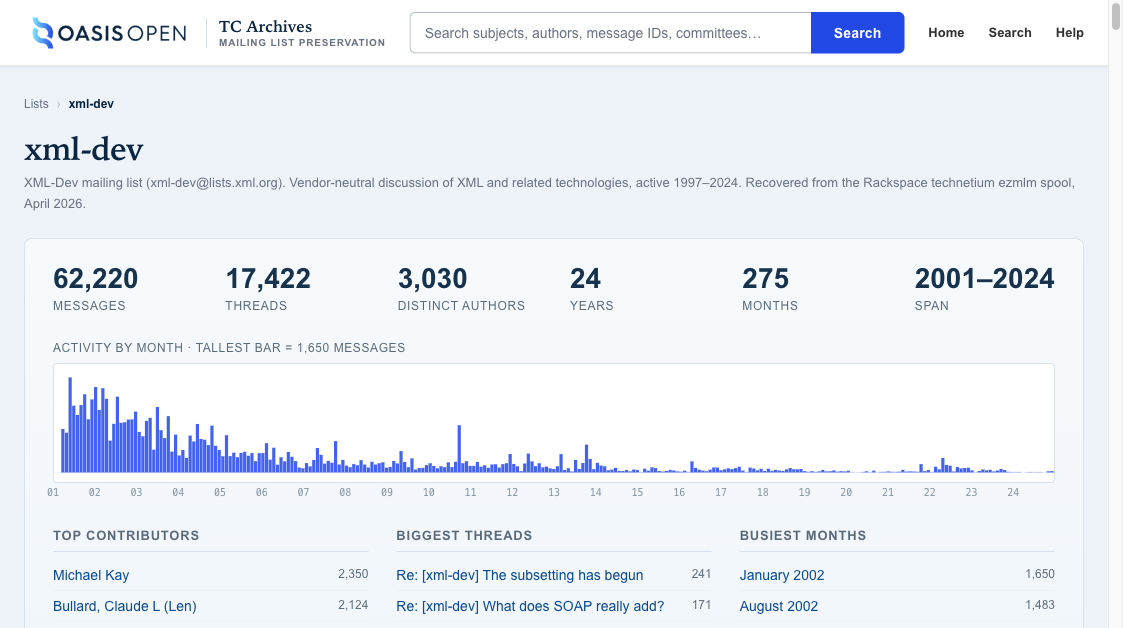
The four screenshots below show typical research workflows against this archive. Each one is taken live from the same URL you see beneath it.
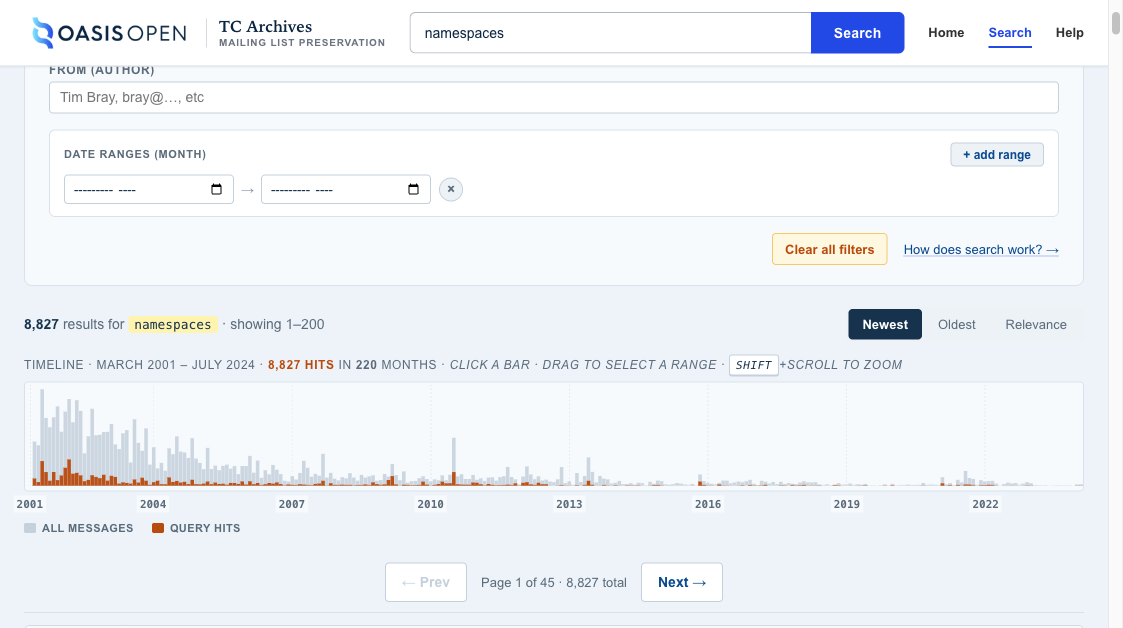
?q=namespaces — default sort is newest first.
Each row shows date, author, subject, and a snippet with highlighted
matches.
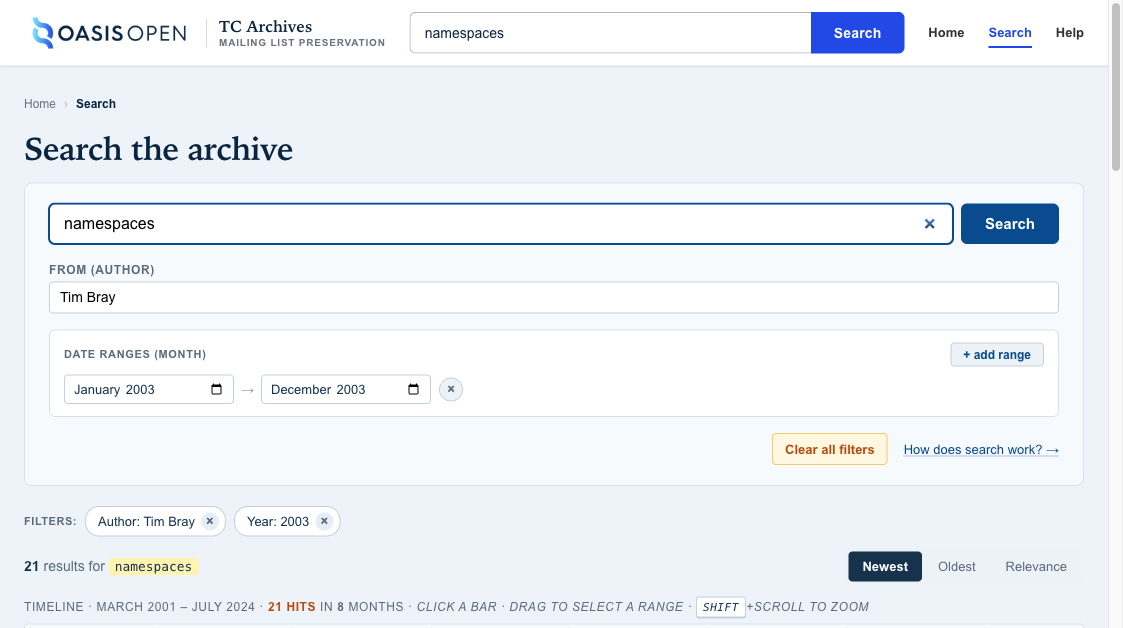
?q=namespaces&year=2003&from=Tim Bray — only
messages by Tim Bray posted in 2003 that contain the word "namespaces".
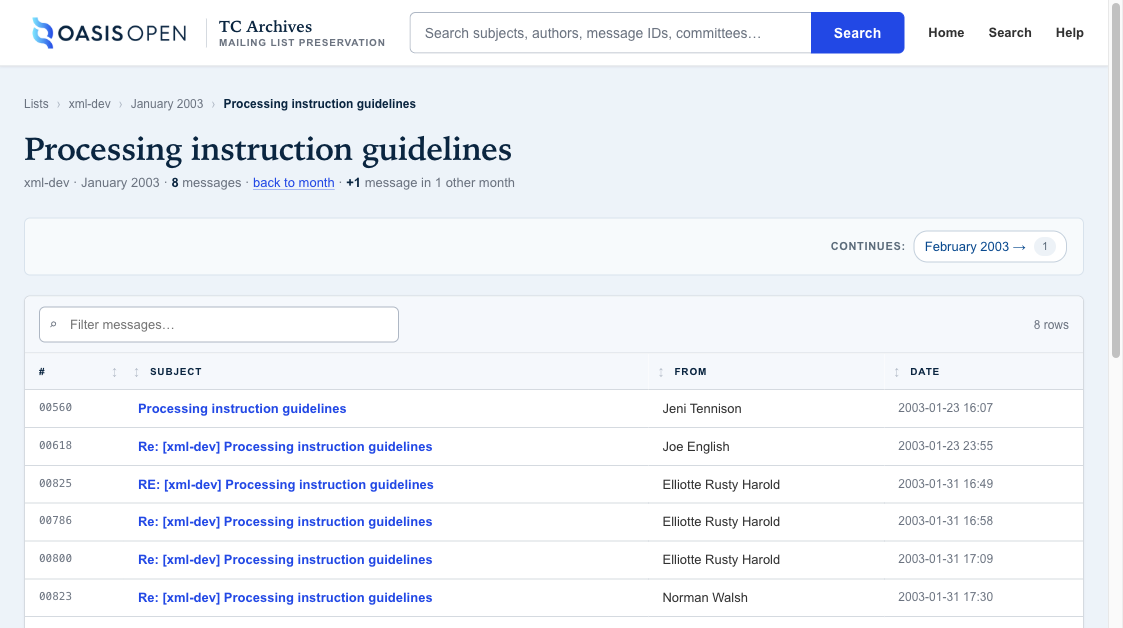
[xml-dev] or
Re: prefix variations. Prev/next jump to adjacent messages in
the thread, then spill over into the next thread in the month.
Query rewrites and warnings
When the search box changes what you typed in a way you might care about (punctuation stripped, slashes turned into phrases, etc.) a warning appears above the results explaining the change. The most common warnings are:
- "Punctuation and special characters were ignored"
- "Slash-separated terms were treated as phrases"
- "Your query had no searchable terms after punctuation was stripped"
This is the archive's way of being honest about what it actually searched
for. Historical mailing lists are full of strings like
xmlns:foo="http://…" that don't survive tokenisation; the
warning tells you when that's happening.
API
Every search URL has a JSON counterpart at /api/archive/search
with the same parameters. Example:
curl 'https://xml.org/api/archive/search?q=namespaces&year=2003&limit=5' | jq
The response includes total_count, offset,
sort, warnings, and the list of matching
messages with snippets. Designed for programmatic research and LLM
tooling.